The Image Post Generator gives you two size options for a reason — 3:4 and 1:1 aren't interchangeable, they just behave differently depending on where and how your post gets seen. Here's how to pick in under a minute.
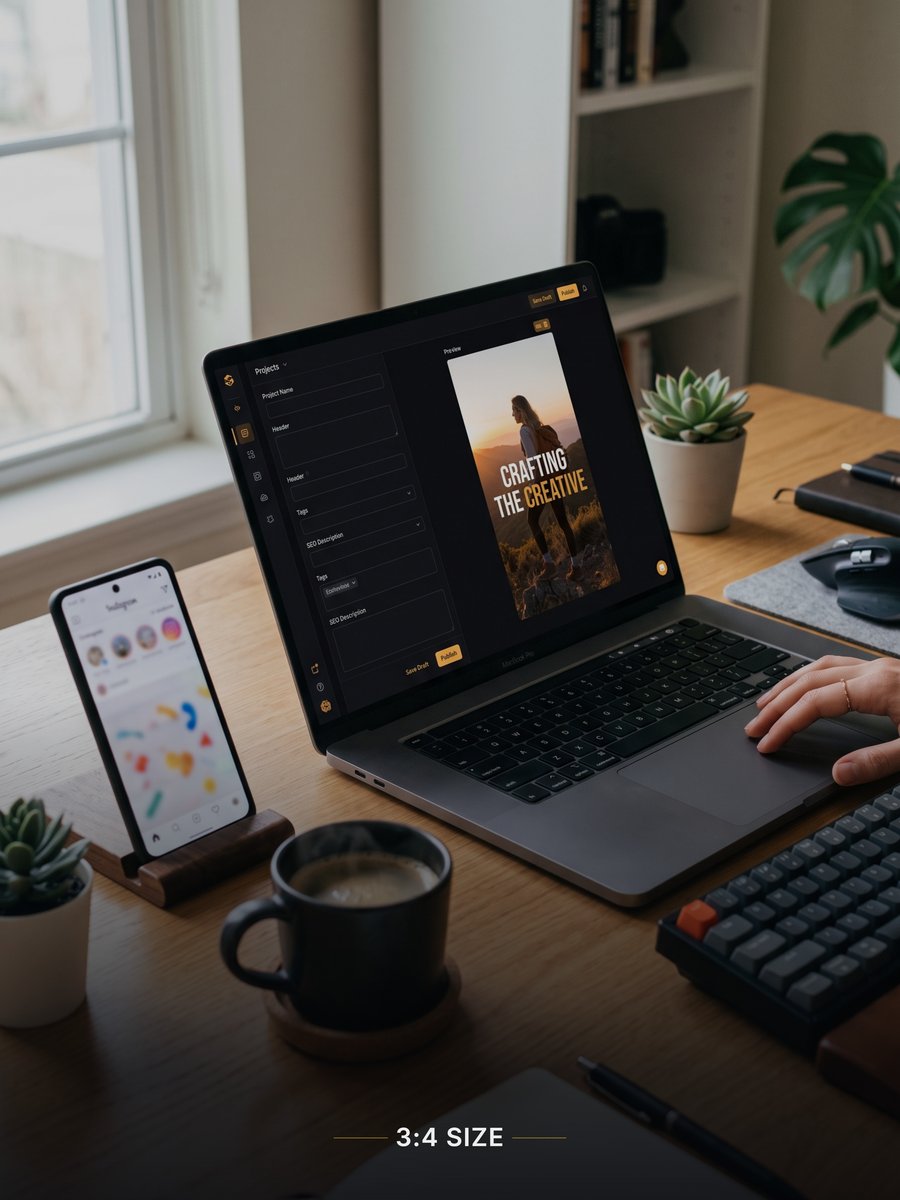
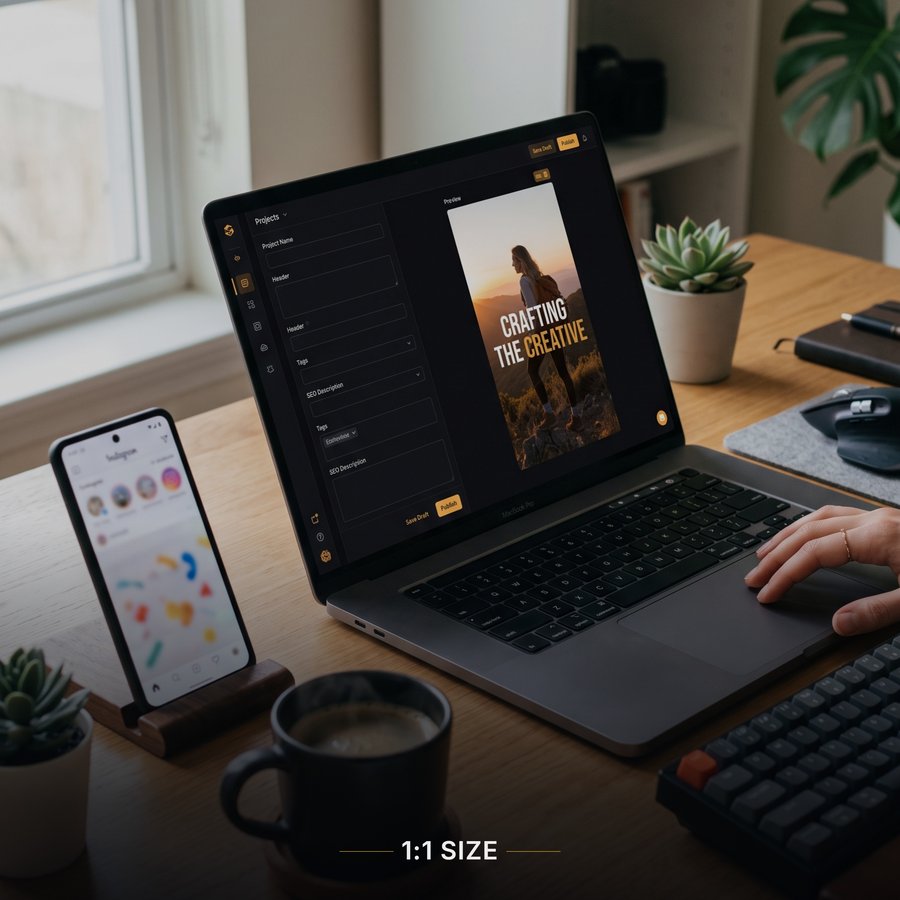
| If your post is... | Go with |
|---|---|
| A news-style headline + question | 3:4 |
| Built around a wide/landscape photo | 1:1 |
| Part of a series you'll post consistently | Whichever you pick first — then stay consistent |
| Going into a Facebook/Instagram ad | 1:1 (check the ad placement's exact spec first) |
| A tall photo with one clear subject | 3:4 |
Whichever you choose, keep it consistent across a series of posts from the same page. A feed that alternates randomly between portrait and square looks unplanned — picking one and sticking with it (at least within a campaign or week) reads as more deliberate, even if the "correct" choice honestly isn't that deep.
In the Image Post Generator, this is a one-click toggle under Image Size — change it anytime and your heading, sub heading, and photo crop all adjust automatically, so it's genuinely free to try both before deciding.
Try both sizes on your own post in a few seconds.
Open the Image Post Generator →